
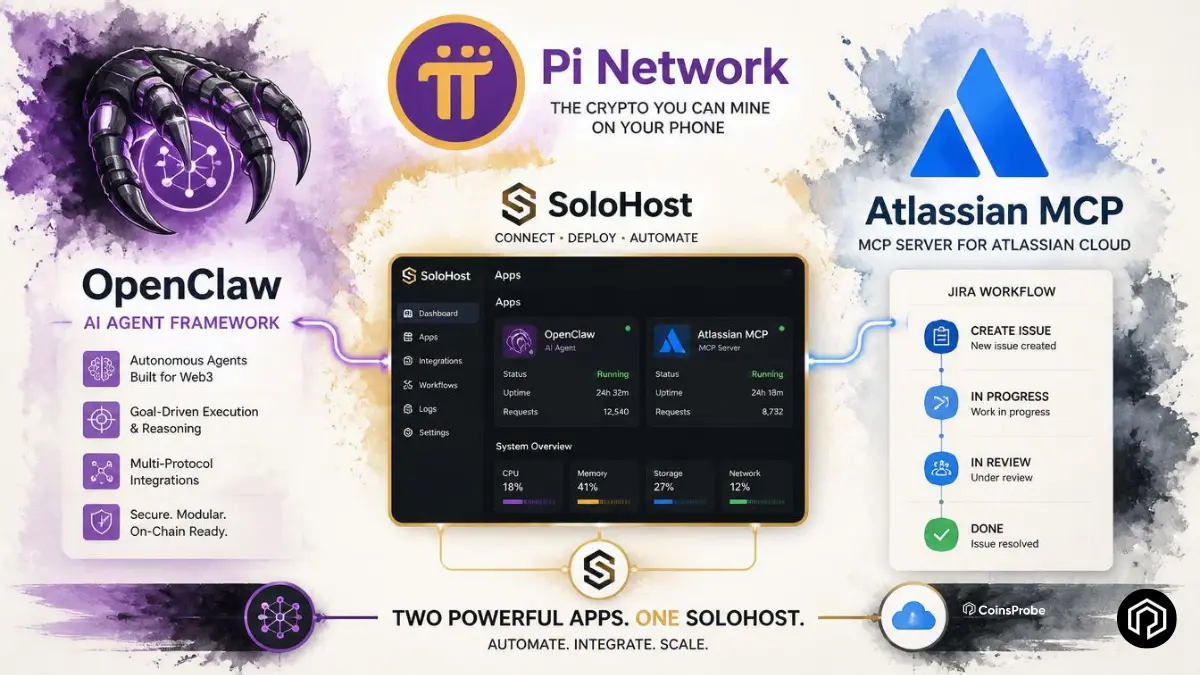

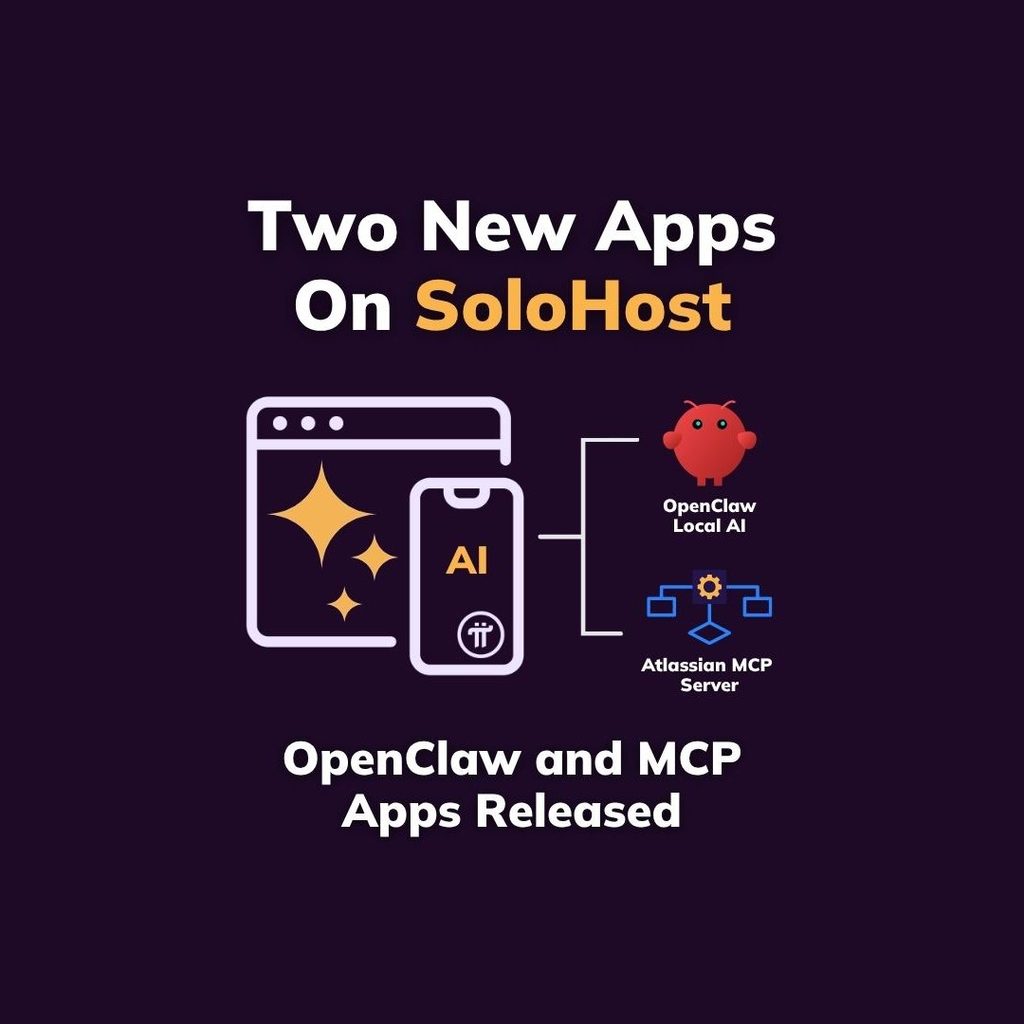
- Pi Network added OpenClaw and Atlassian MCP Server to SoloHost on Pi Desktop.
- OpenClaw enables locally hosted AI agents with on-device memory and containerized isolation.
- Atlassian MCP Server connects Jira with AI tools including Cursor, Claude, and Codex.
- The updates strengthen Pi Desktop’s role as a local AI and developer utility hub.
Pi Network is expanding what SoloHost means in practice. Two new additions — a local AI agent and a professional Jira-to-AI workflow tool — push Pi Desktop further from its blockchain-only origins and closer to a general-purpose self-hosting platform that serves both AI enthusiasts and professional developers.
What Is SoloHost and Why It Matters
SoloHost is Pi Network’s self-hosting layer built into Pi Desktop — designed to reduce the technical barrier of running local software by handling packaging and installation through a familiar interface rather than requiring users to manually configure Docker containers, server stacks, or networking infrastructure.
As we covered in our Pi2Day SoloHost launch article — SoloHost was introduced at Pi2Day 2026 as one of the platform’s most significant utility releases, enabling Pioneers to run compute infrastructure locally on their own machines. Each new app added to SoloHost extends that vision with practical tools that serve specific, real-world use cases.
The two new additions bring the total SoloHost catalogue further into AI agent and professional workflow territory — sitting alongside earlier releases like Hermes, the local AI agent focused on persistent memory and skill learning.
New App 1 — OpenClaw: Local AI Agent With Containerised Isolation
OpenClaw is a local AI agent designed to run on the user’s machine — providing AI assistant capabilities without requiring every interaction to pass through a remote cloud service.
Key features:
Local or external model support — OpenClaw can run with local AI models entirely on-device, or connect to external models including ChatGPT and Claude — giving users flexibility based on their hardware and privacy preferences.
Local memory storage — All memory and context is stored on the user’s own machine rather than in a cloud database. For users who want AI assistance without their conversation history and context living on third-party servers, this is a significant privacy advantage.
Containerised isolation — OpenClaw runs inside SoloHost’s container architecture, which means it does not automatically receive broad access to the rest of the user’s machine. Specific permissions can be granted when needed — but the default is contained rather than open.
Streamlined installation — The Core Team highlights that SoloHost makes OpenClaw’s installation significantly more accessible than setting up a comparable local AI agent from scratch, where Docker configuration and dependency management typically create meaningful setup friction.
Who this is for: Pioneers who want a persistent, locally-running AI assistant with privacy-first architecture — without the technical overhead of building the equivalent setup manually.
New App 2 — Atlassian MCP Server: Local Jira Integration for AI Tools
The Atlassian MCP Server solves a specific and practical problem for developers and project managers who use Jira and want AI-assisted workflows — without routing all of that data through a hosted remote service.
What it does:
The Atlassian MCP Server runs a local Model Context Protocol (MCP) connection for Jira — creating a locally hosted pathway that MCP-compatible AI tools can use to access Jira data, issues, and workflows directly.
Compatible AI tools:
| Tool | Type |
|---|---|
| Cursor | AI-powered code editor |
| Claude Desktop | Anthropic’s desktop AI assistant |
| Claude Code | Terminal-based AI coding tool |
| Codex | OpenAI’s coding model |
Any MCP-compatible AI tool can connect to the local Jira server — enabling AI-assisted project management, issue summarisation, sprint planning, and code workflow integration without sending project data to a remote hosted MCP service.
The practical advantage — avoiding quota and reliability limits:
The official Pi blog specifically notes that running the MCP server locally helps avoid quota and reliability limits that come with hosted options. For professional users with high-volume Jira usage or reliability requirements, a locally hosted MCP connection offers both performance consistency and data locality that hosted services cannot guarantee.
Who this is for: Developers and project managers who already use Jira professionally and want to integrate AI tools into their workflow without routing sensitive project data through external hosted services.
The Broader Picture — Pi Desktop as a Utility Hub
These two additions are part of a consistent and accelerating pattern in Pi Network’s 2026 development. As we covered in our Pi Network Protocol 27 node upgrade article — Pi’s infrastructure is advancing rapidly at the protocol level. And as we covered in our App Studio utility-based pricing article — Pi is simultaneously moving its application layer toward genuine utility and quality rather than subsidised experimentation.
SoloHost sits at the intersection of both directions — infrastructure that runs on Pi Node hardware, delivering practical applications that serve real user needs. The pattern across SoloHost releases is clear:
| App | Category | Use Case |
|---|---|---|
| Hermes | Local AI agent | Persistent memory and skill learning |
| OpenClaw | Local AI agent | Flexible local/external model AI with isolation |
| Atlassian MCP Server | Developer tool | Local Jira-to-AI workflow integration |
Each addition expands Pi Desktop’s utility surface — gradually building toward a platform where running a Pi Node means running useful local infrastructure, not just participating in blockchain consensus.
Important Notes for Pioneers
SoloHost remains in beta — both new apps and all SoloHost packages should be assessed individually before installation. The open publisher flow means apps are not individually reviewed or endorsed by the Pi Core Team.
Installations are at the user’s own risk — standard due diligence applies for any self-hosted software, including reviewing what permissions each app requests and understanding what data each tool accesses.
How to access: Both OpenClaw and the Atlassian MCP Server are available inside the Pi mining app under SoloHost — the Core Team confirms users can learn more about both apps through the in-app interface.
Bottom Line
Pi Network’s addition of OpenClaw and the Atlassian MCP Server to SoloHost represents two meaningful steps in the platform’s evolution from blockchain node infrastructure toward a practical self-hosting hub for AI agents and professional developer tools. OpenClaw brings privacy-first local AI to Pioneers without technical setup overhead. The Atlassian MCP Server brings professional Jira-to-AI integration to developers who want local control over their project data.
Together — alongside Hermes and future SoloHost additions — they are building the case that Pi Desktop is becoming something genuinely useful for a broader range of Pioneers beyond those primarily motivated by mining and token accumulation.
Frequently Asked Questions
What did Pi Network add to SoloHost?
Two new self-hosted apps: OpenClaw — a containerised local AI agent supporting local and external models — and the Atlassian MCP Server — a locally hosted MCP connection for Jira compatible with Cursor, Claude Desktop, Claude Code, and Codex.
What is OpenClaw and what does it do?
OpenClaw is a local AI agent that runs on the user’s machine with containerised isolation — supporting local AI models or external models like ChatGPT and Claude — with memory stored locally and no automatic broad system access.
What is the Atlassian MCP Server?
A locally hosted Model Context Protocol server for Jira — allowing MCP-compatible AI tools (Cursor, Claude Desktop, Claude Code, Codex) to access Jira workflows locally without routing project data through remote hosted services.
What is SoloHost and where do I access these new apps?
SoloHost is Pi Network’s self-hosting layer in Pi Desktop — reducing the technical barrier of running local software. Both new apps are accessible inside the Pi mining app under SoloHost.
Is SoloHost safe to use?
SoloHost remains in beta with an open publisher flow — packages are not individually reviewed by the Core Team. Users should assess each app individually and install at their own risk, reviewing what permissions each app requests.
What other apps are already available in SoloHost?
Hermes — a local AI agent focused on persistent memory and skill learning — was among the earlier SoloHost releases, alongside other utilities. The catalogue continues to expand with each update.
The opinions and market insights shared on CoinsProbe represent the views of individual authors based on prevailing market conditions at the time of publication. Cryptocurrency investments carry significant risk and volatility. Readers are encouraged to conduct their own research and seek professional financial advice before making investment decisions. CoinsProbe and its contributors do not accept responsibility for financial losses or decisions made based on published content.
CoinsProbe may publish sponsored articles, affiliate links, or promotional collaborations. All sponsored material is clearly labeled to maintain transparency with our audience. Our editorial decisions remain fully independent, and advertising partnerships do not influence reviews, rankings, or published opinions.
Since 2023, CoinsProbe has delivered reliable insights on cryptocurrency, blockchain, and digital assets. Our content is created by experienced researchers and analysts who follow strict editorial standards focused on accuracy, transparency, and credibility. Every article is carefully reviewed and verified using trusted sources and current market data. We provide unbiased analysis and timely updates covering everything from emerging crypto projects to major industry developments.